Happy New Year! This week’s episode will look at how Uninterrupted Power Supplies, commonly referred to as a UPS,to protect your Apple devices and review the Bandkeeper storage system for your Apple Watchbands. You can find more information at www.bandkeeeper.com and at our new website: www.MacMinutesPodcast.com
Bandkeeper Folder, with Inserts can be found at www.bandkeeper.com
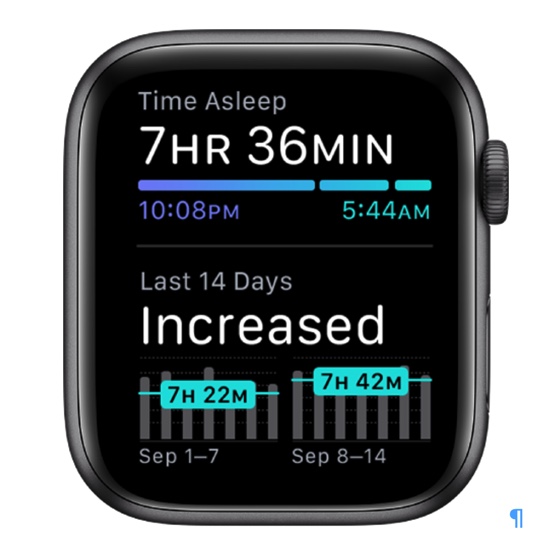
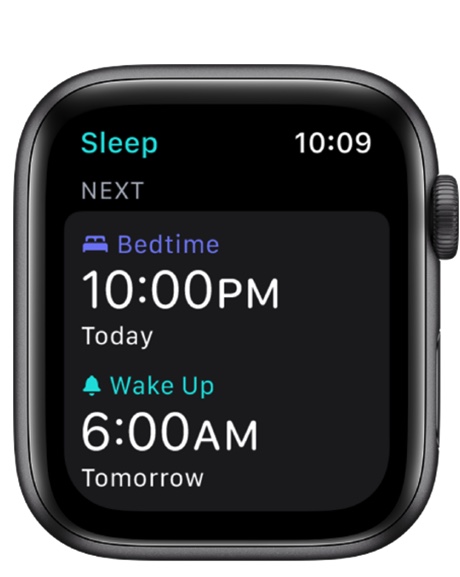
In this episode we will look at using Apple Watch and iPhone to improve sleep in 2021. For many it’s a New Year’s resolution and for others it simply a desire to improve your health and mental wellness. It’s easy to track your sleep using Apple technology. We will look at Apple’s sleep tracking and making it work to improve your life. You can reference the written instructions at the Apple Support link: https://support.apple.com/guide/watch/sleep-apd830528336/watchos (Graphics courtesy of Apple Inc.)
Viewing your recent sleep history is a key feature of the Sleep Tracking App on the Apple Watch.With Apple Watch Sleep Tracking there is a feature to change or turn off your next wake-up alarm.
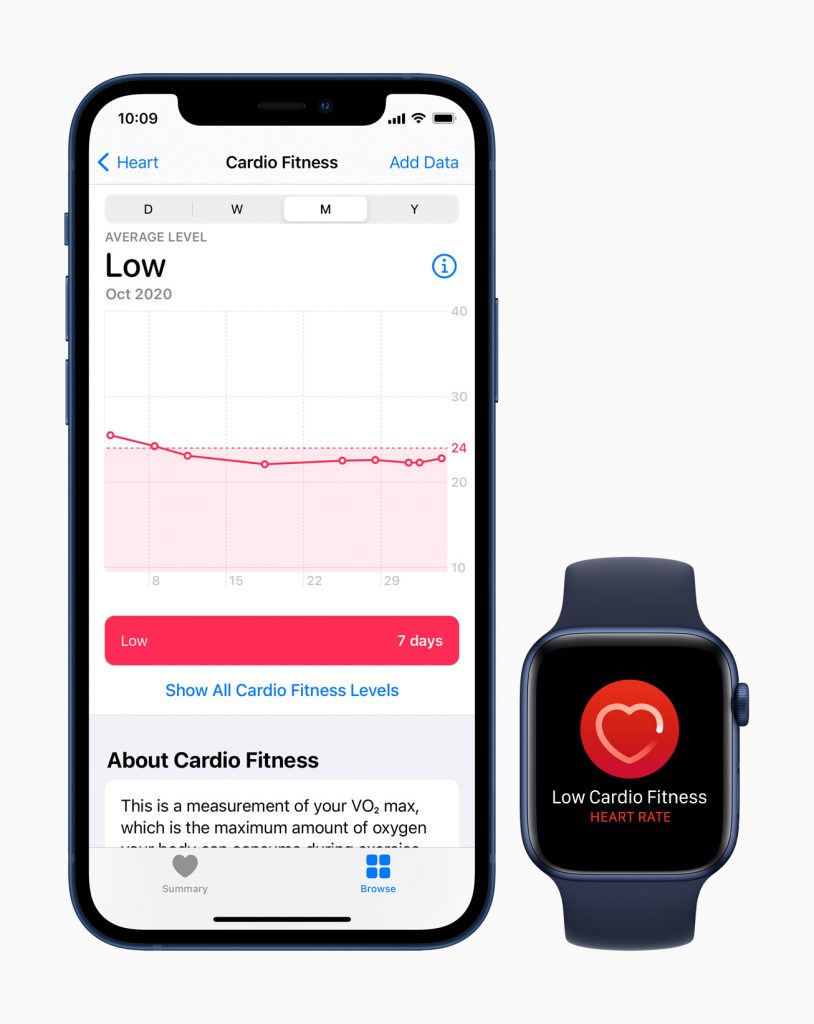
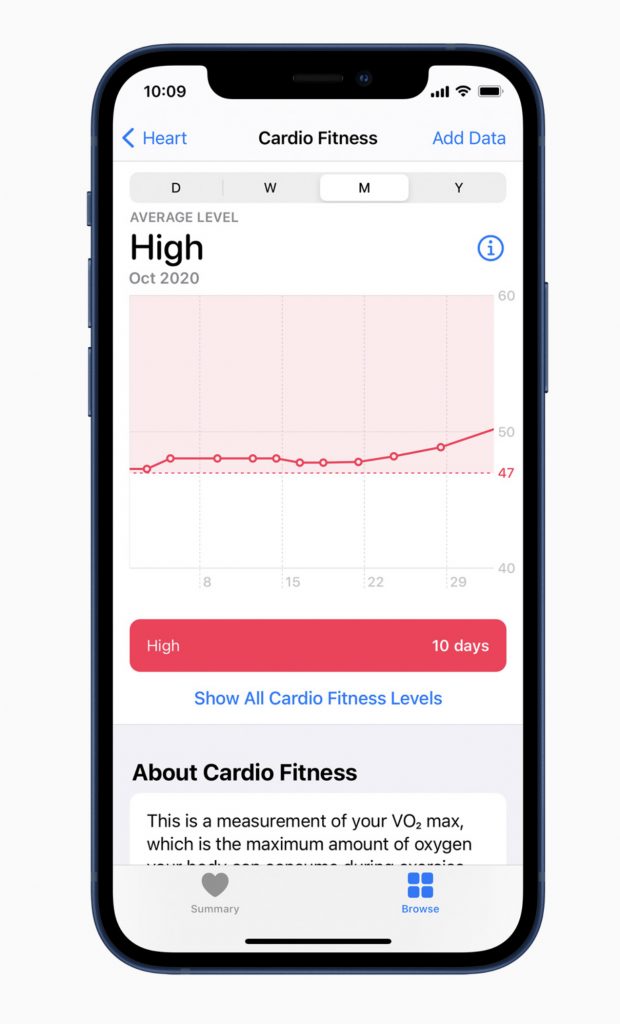
In this episode we will look at an Apple’s announcement Monday, Dec 14th where users can view their cardio fitness level in the Health app on iPhone, and receive a notifications on Apple Watch if it falls within the low range. We will explore how to personalize and use the new feature. Users will need to update to iOS 14.3 and watchOS 7.2 which was released simultaneously. (Graphics courtesy of Apple Inc.)
Apple Watch users can now view how their cardio fitness level is classified based on their age group and sex in the Health app on iPhone, and receive a notification if it falls within the low range.With watchOS 7, Apple Watch uses multiple sensors to estimate an expanded range of cardio fitness as users walk throughout the day, whether or not they are tracking a workout.
In this episode, we will give you information about the Apple One subscription services and the Fitness + application which will be coming this fall. (Graphics courtesy of Apple Inc.)
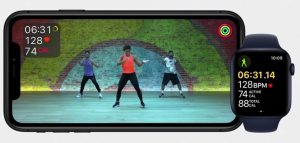
Apple One offers customers Apple Music, Apple TV+, Apple Arcade, iCloud, and more services in one simple plan.Apple Fitness+ gives customers the freedom to exercise, whenever and wherever they like, on their Apple devices.
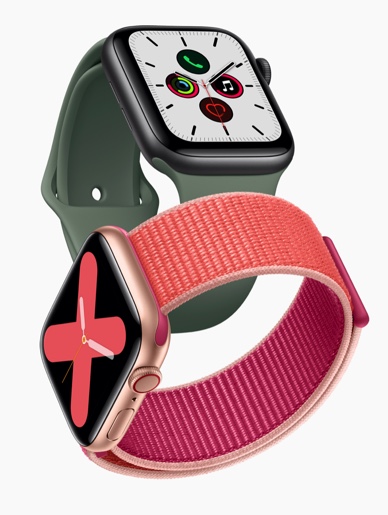
In this episode, we will discuss one of the announcements from Apple’s virtual presentation which occurred Tuesday morning, specifically the Apple Watch Series 6, which introduces hardware improvements, watchOS 7 and a number of health and wellness breakthroughs. (Graphics courtesy of Apple Inc.)
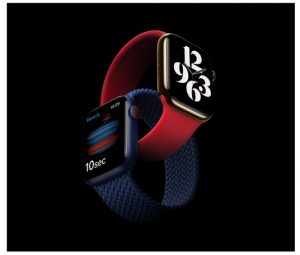
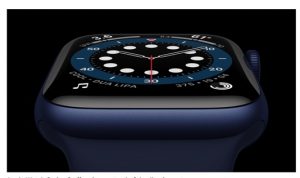
Introducing Apple Watch Series 6, featuring a revolutionary Blood Oxygen sensor and appApple Watch Series 6 offers its most colorful collection yet
Apple has scheduled its next Apple Watch Activity Challenge for August 30, 2020. The latest challenge is being hosted as a way to “celebrate the natural wonder of national parks.” Learn how you can earn the activity challenge fitness award and stickers. We will also discuss cleaning your devices via U/V light and conventional methods.
Apple Activity Challenge Fitness Award which celebrates our National Parks.Stickers will go to those who achieve the fitness goals.
In this episode, we will give you some tips and tricks to use on your Apple Watch. I’m sure you will find a few of these new even to the avid user. We will also review a product to help organize and safeguard your watchbands. (Graphic, top, courtesy of Apple Inc.)
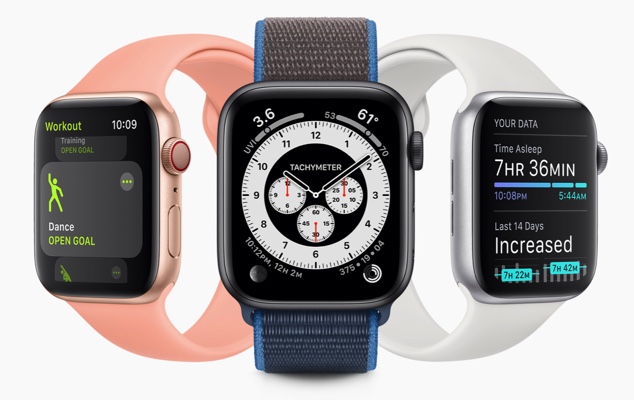
watchOS 7 brings new personalization, health, and fitness features to Apple Watch this fall.
Bandkeeper Folder and inserts to protect your Apple Watchbands in a hardshell case.
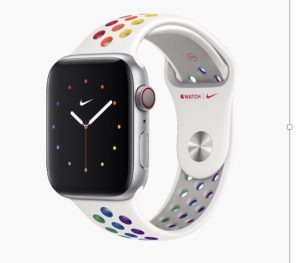
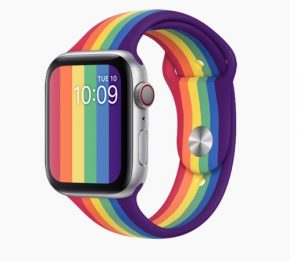
In this episode, we will discuss the recent Apple announcement of a virtual WWDC, Apple Watch Pride Edition and Nike Sport bands, iPadOS and iOS 13.5 software updates; and stores begin to reopen. (Graphics courtesy of Apple Inc.)
The Apple Watch Nike Sport Band is reimagined with the colors of the rainbow.The new Apple Watch Pride Edition Sport Band includes a distinctive vertical-stripe rainbow edition.
In this episode many of us have been without an open Apple Store due to the COVID-19 virus. If you need help, the Apple Support Application is your personalized guide to the best options from Apple. You can find answers with articles tailored to your products and questions. You can also call, chat or email with an expert right away or schedule a callback when its convenient. The application is free, available in the app store, to help you during these difficult times. Additionally, Apple released April 8th iOS 13.4.1 and iPadOS 13.4.1 to take care of a few bugs. (Graphic courtesy of Apple Inc.)
The Apple Support Application is available in the Apple App Store.
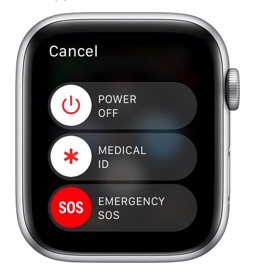
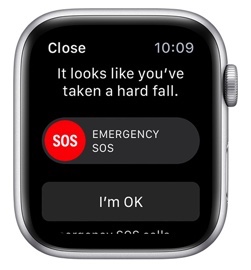
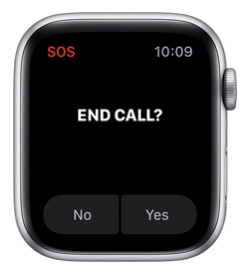
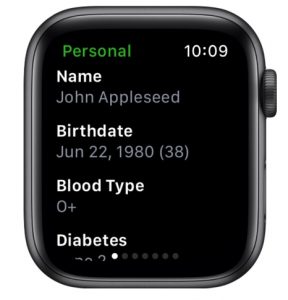
In this episode, we will discuss emergency SOS functions, setting up fall detection and reviewing medical ID for the AppleWatch. (Graphics courtesy of Apple Inc.)
Emergency and Medical ID Slider ScreenshotEmergency Fall Notification ScreenshotEmergency SOS End Call Notification ScreenshotThird-party application Medical ID available on the Apple Application Store